Onthel Purwodadi Controls: Riding, Stunts and Passengers
Last updated:
Learn how to mount and ride a bike in Onthel Purwodadi, use riding poses, and travel with friends on a passenger bike.
Quick answer
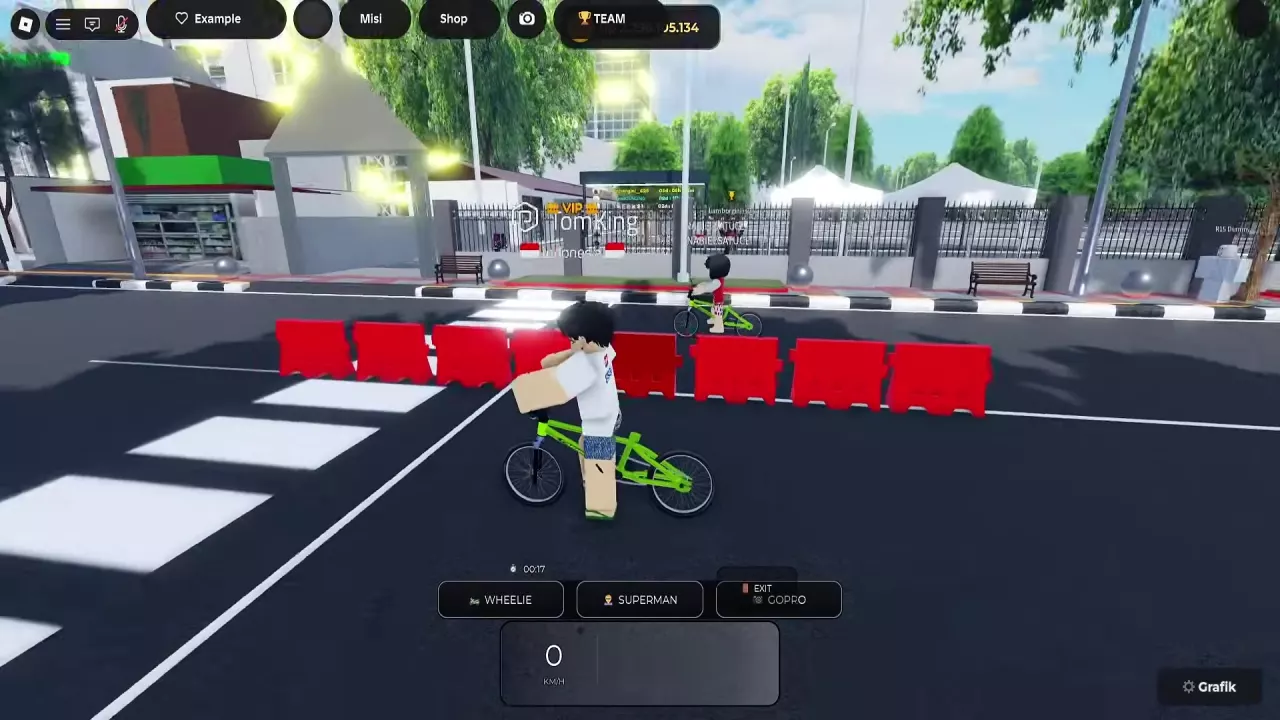
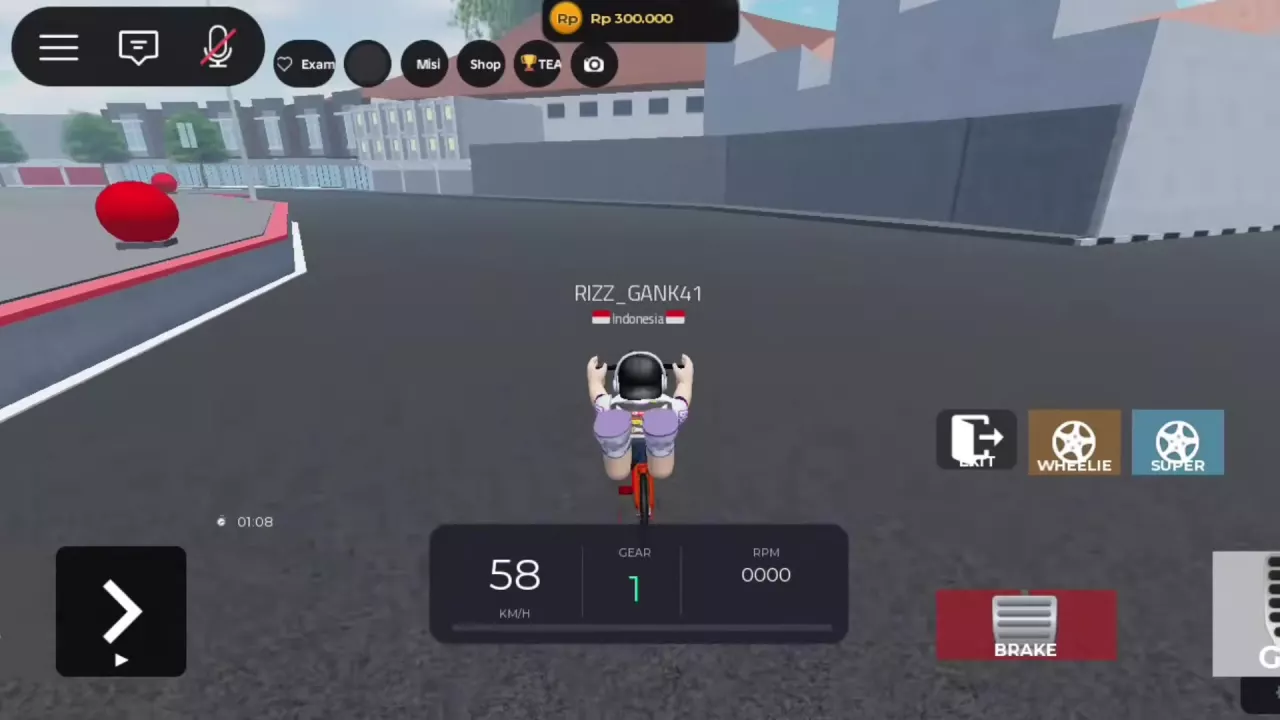
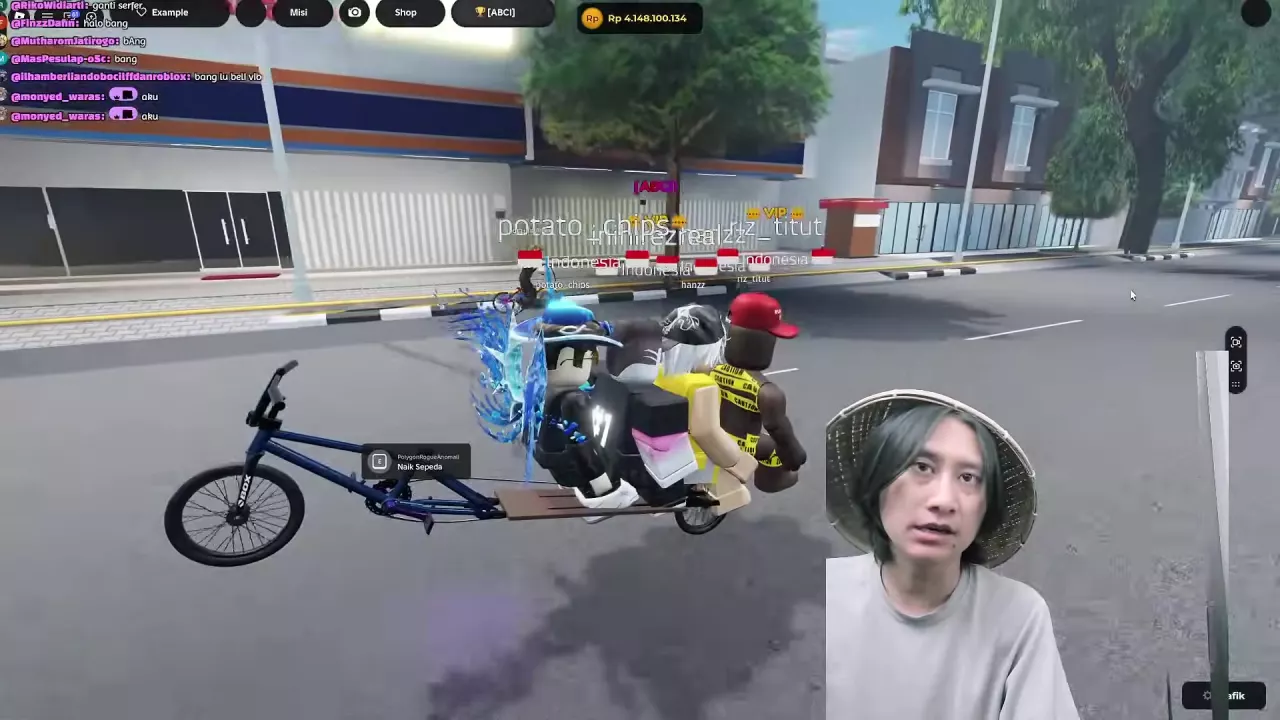
On PC, approach a bike and press E at Naik Sepeda to mount. On mobile, steer with the lower-left direction controls, use the lower-right pedal to move, BRAKE to slow down and EXIT to get off. Use WHEELIE or SUPER/SUPERMAN while riding for stunts. A bike with a passenger-ready extended rear seat can carry a rider and multiple passengers.
Mount, Steer, Pedal, Brake and Exit
First, spawn an available bike from GARAGE and approach it.
| Device | Action | Control |
|---|---|---|
| PC | Mount | Press E when Naik Sepeda appears. |
| Mobile | Steer | Use the left and right direction controls at the lower left. |
| Mobile | Move forward | Use the pedal control at the lower right. |
| Mobile | Slow down or stop | Use BRAKE. |
| Riding interface | Get off | Use EXIT. |
The riding interface also displays your speed.
Use WHEELIE
While riding, use WHEELIE to lift the front wheel and continue forward on the rear wheel. The WHEELIE control lights up green while the stunt is active.
Use SUPER or SUPERMAN
While riding, use SUPER or SUPERMAN to enter the Superman pose, then continue along the road. Both button labels refer to the same pose.
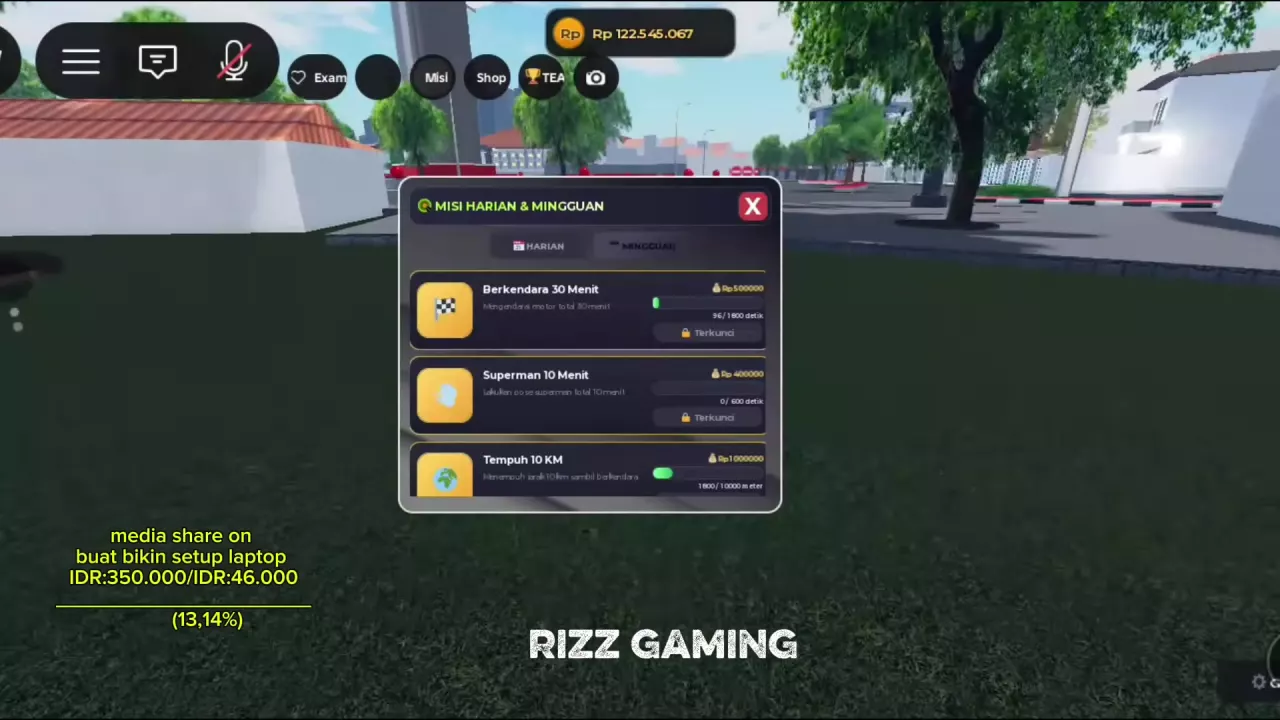
For a timed Superman objective, open Misi to check the target. See the daily and weekly quests for the goals and rewards.
Ride Together on an Extended Rear Seat
- Choose a bike with an extended rear seat that supports passengers.
- Gather beside the bike. On PC, approach it and press E when Naik Sepeda appears.
- Have one player ride at the front while the other players sit on the rear seat.
Find the GOPRO Button
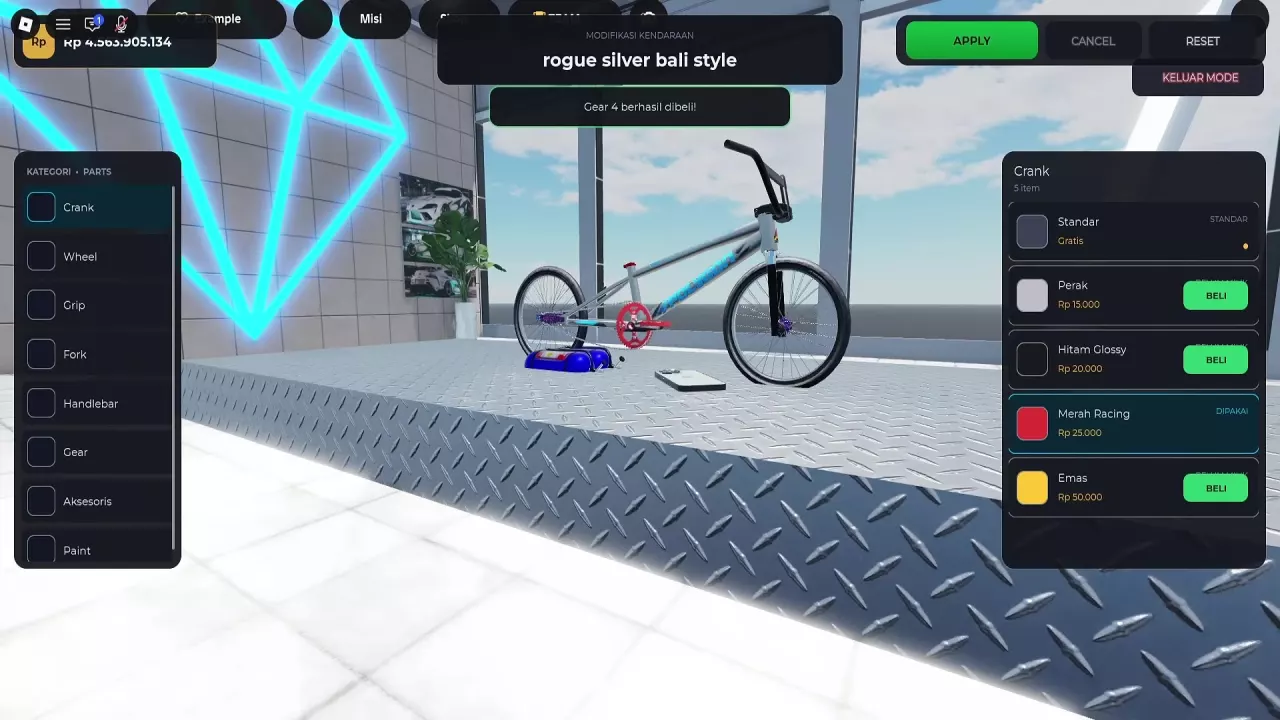
In a riding interface with GOPRO, look for it alongside WHEELIE, SUPERMAN, EXIT and the speed display. For the Kamera Action accessory and its purchase details, see bike parts and prices.