
Find a Bike in GARAGE
Open GARAGE and use Search vehicle to find a bike by name, or browse the ALL, LIMITED, SPORT, SPORT+, and STARTER tabs. The bike must be available for selection in your garage.
- Look under STARTER for strummer custom.
- Look under SPORT for PolygonRogueAnomali and SPORT+ for PolygonRogueMening.
- The LIMITED list includes thrill, tabibitho, and rogue silver bali style.
For model details and prices, browse the bike listings. To find a bike through a shop, see the dealer menus.
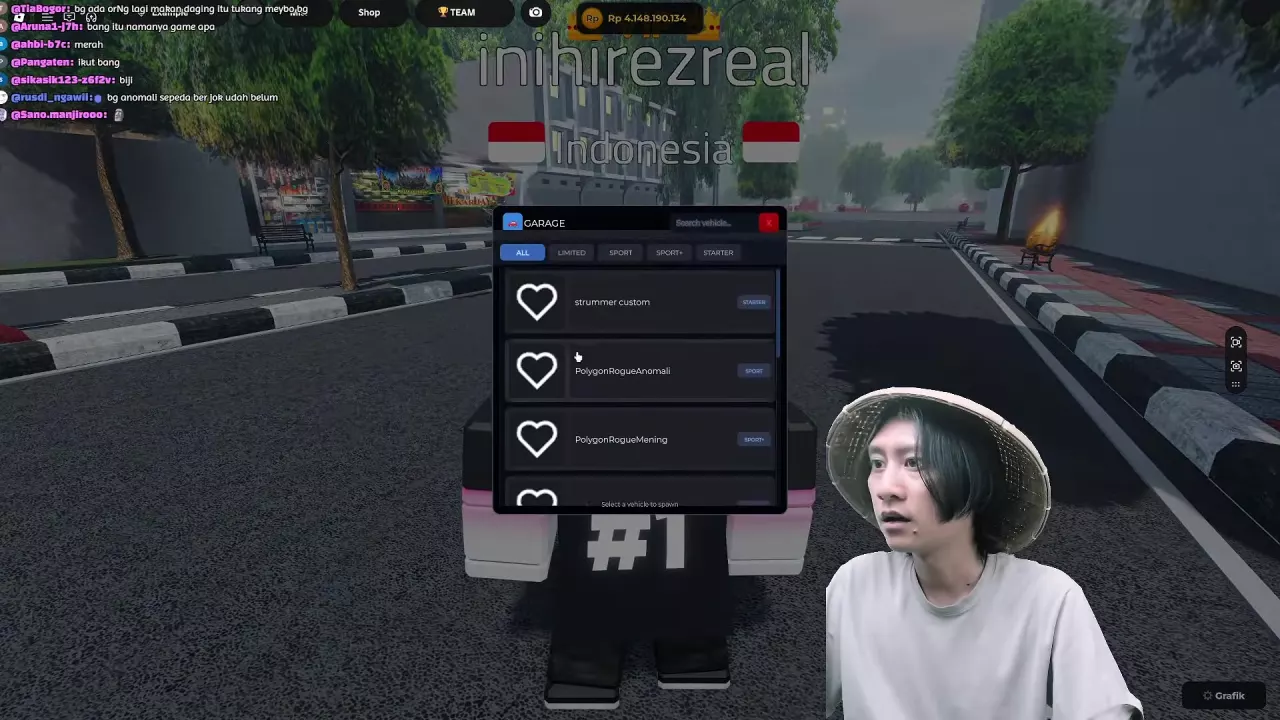
Spawn, Mount and Switch
- Open GARAGE and find an available bike.
- Select its entry under Select a vehicle to spawn.
- Approach the spawned bike and use Naik Sepeda to mount. On PC, press E at the prompt.
- To switch bikes, reopen GARAGE, select another available bike, then approach it and use Naik Sepeda again.
Once mounted, see the riding controls for braking, stunts, and passengers.
Does a Blank List Mean Your Bikes Are Gone?
No. A blank GARAGE list by itself does not mean your bikes were deleted or that a purchase failed. A bicycle can still be present in the world while the list is blank.
Related guides
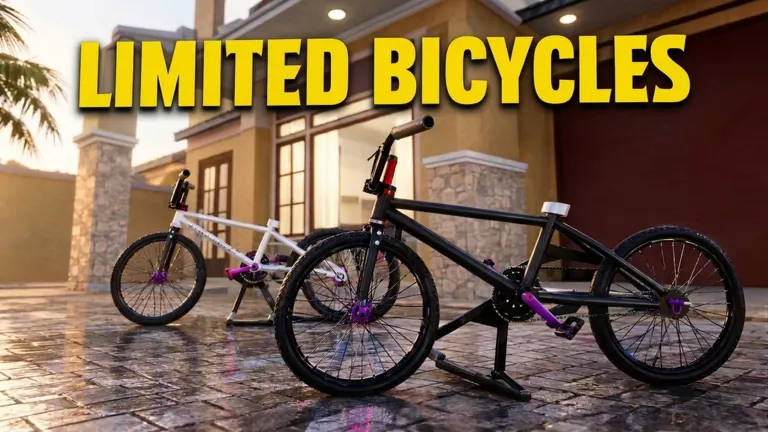
Onthel Purwodadi Bikes, Prices & Dealer Listings
Browse Onthel Purwodadi bikes by model, category, listed price, dealer and customization options. Learn how to spawn strummer custom.
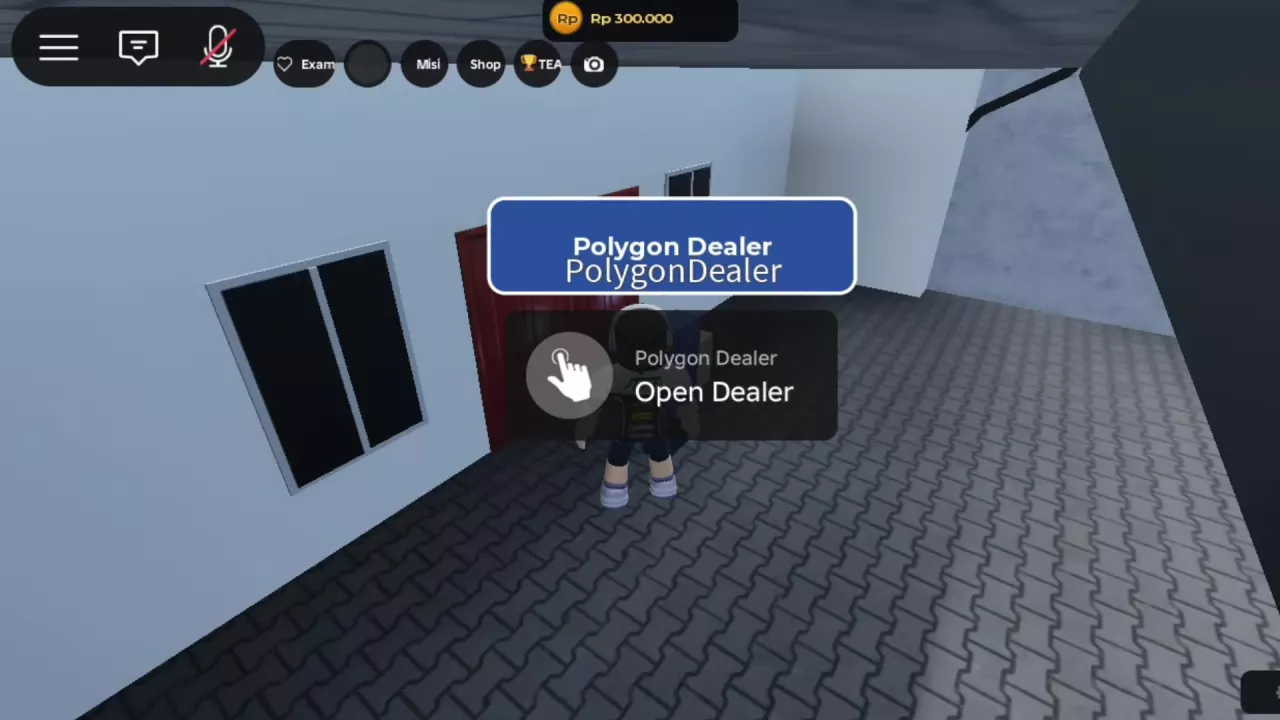
Onthel Purwodadi Bike Dealers: Menus, Buying and LOCKED
Compare Onthel Purwodadi bike dealers, browse their vehicle menus, and understand buying, LOCKED status, and spawning owned bikes.
Onthel Purwodadi Controls: Riding, Stunts and Passengers
Learn Onthel Purwodadi controls for PC and mobile, including mounting, braking, Wheelie, Superman and riding with passengers.