
Create a Team with BUAT TIM
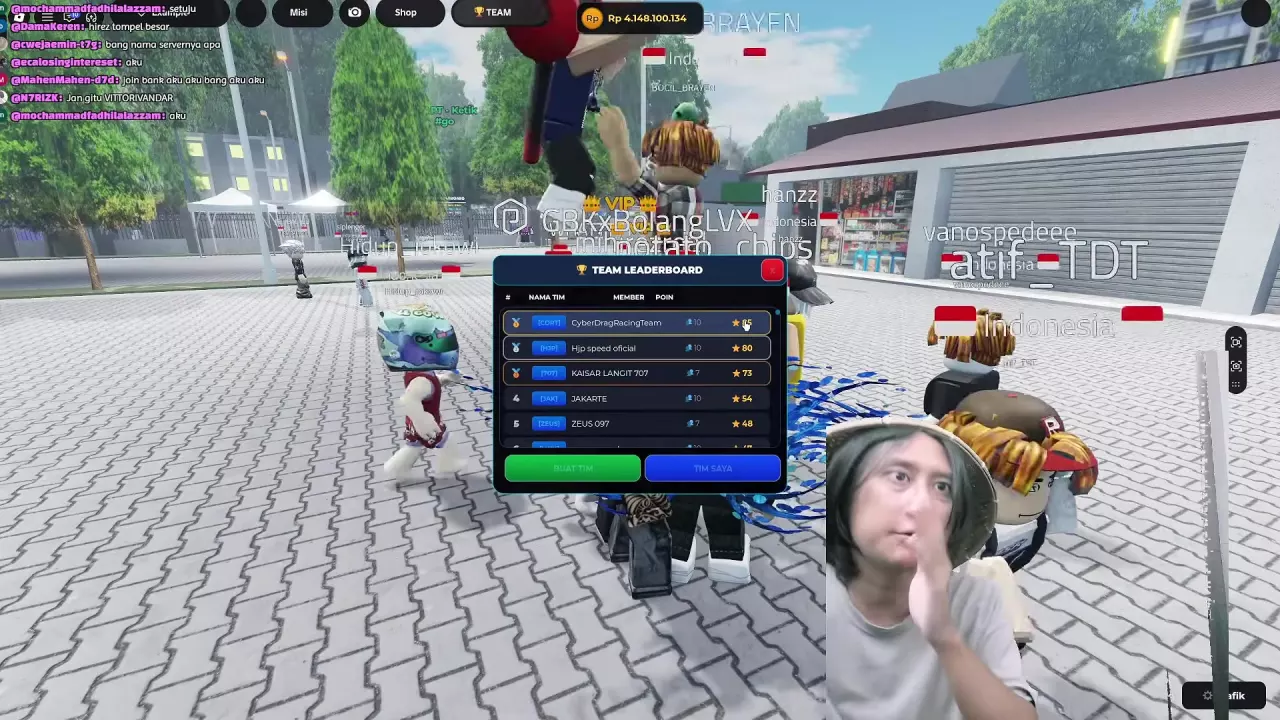
- Open TEAM to bring up TEAM LEADERBOARD.
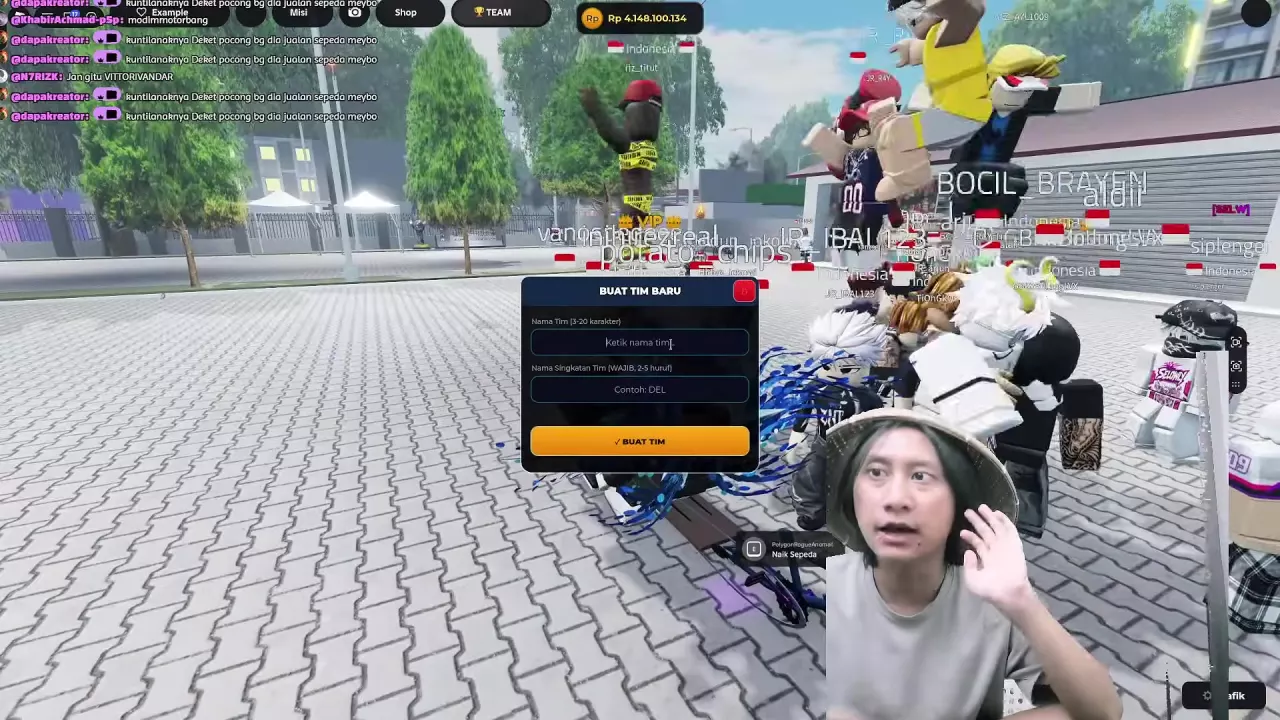
- Select BUAT TIM to open the BUAT TIM BARU form.
- Enter a team name of 3–20 characters and a required abbreviation of 2–5 letters.
- Select BUAT TIM to submit the form.
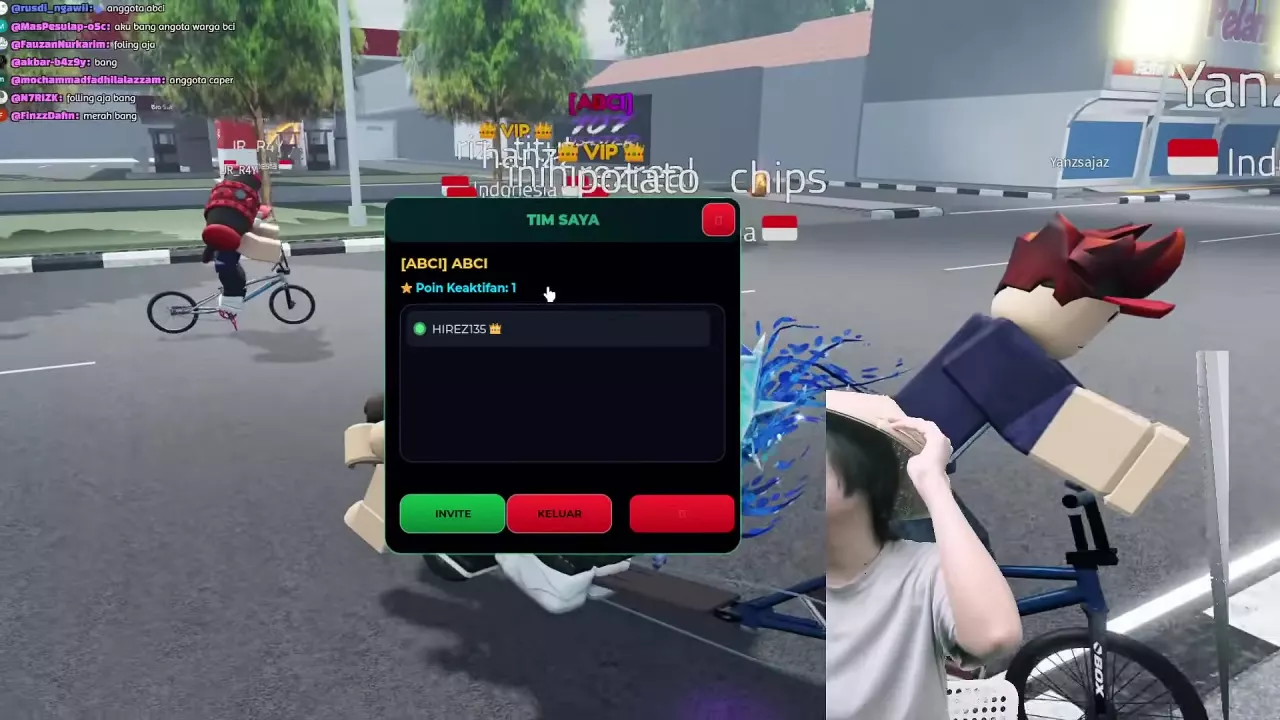
If the name is too long, shorten it to fit the 20-character maximum and submit again. After creation, open TIM SAYA to see your team. The abbreviation also appears as a tag above your character; for example, the abbreviation ABCI appears as [ABCI].
Find Members, INVITE and KELUAR
Open TEAM → TIM SAYA to see your team name, abbreviation, activity points and member list. The panel also contains INVITE, the invitation entry point, and KELUAR, the option to leave your team.
View Team Rankings and Activity Points
Open TEAM to view TEAM LEADERBOARD. Its entries show each team's rank, name, member count and points. To see your own team's activity points, select TIM SAYA.
Find the Time Played Leaderboard
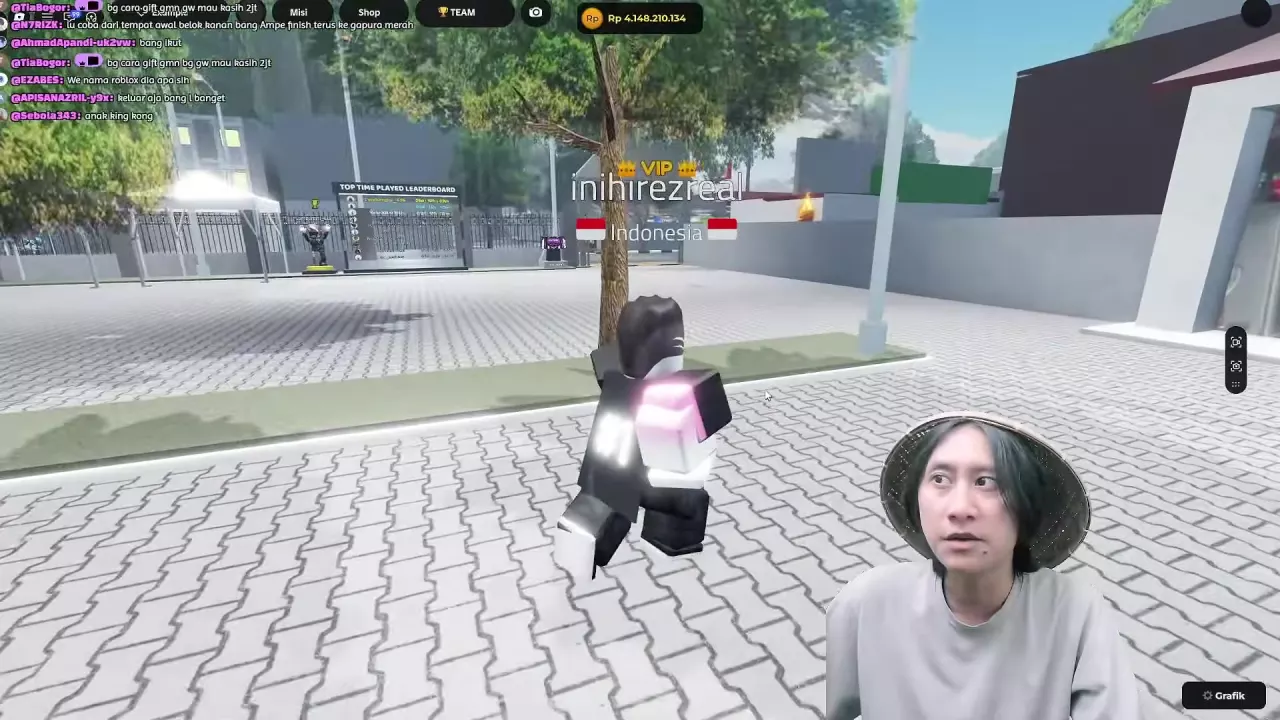
Look for the TOP TIME PLAYED LEADERBOARD board in the plaza. For more places to recognize while riding around the city, see the city landmarks guide.
Related guides

Onthel Purwodadi Controls: Riding, Stunts and Passengers
Learn Onthel Purwodadi controls for PC and mobile, including mounting, braking, Wheelie, Superman and riding with passengers.
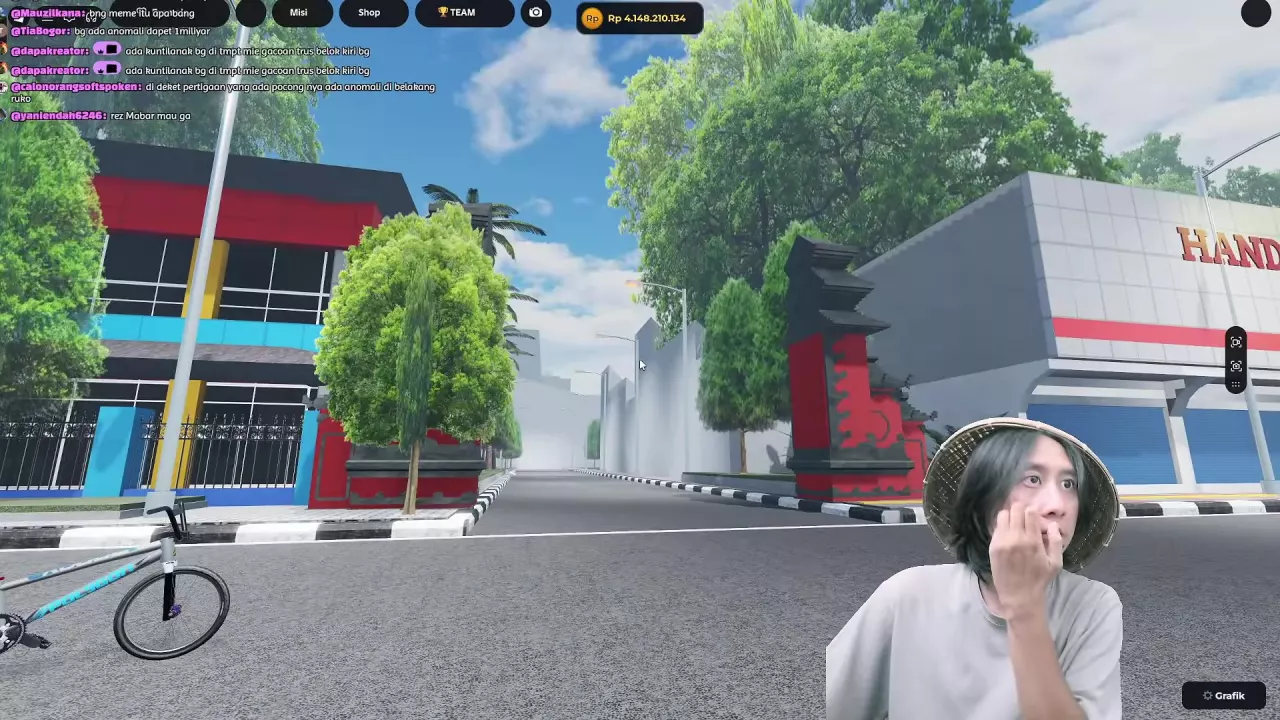
Onthel Purwodadi Places to Explore & City Landmarks
Find places to explore in Onthel Purwodadi, from city streets and villages to the plaza, stadium road, The Best Cow and useful landmarks.