Onthel Purwodadi Bike Dealers: Menus, Buying and LOCKED
Last updated:
Choose a dealer for the bike you want, then use its menu to browse vehicles, attempt a purchase, or spawn a bike you own.
Quick answer
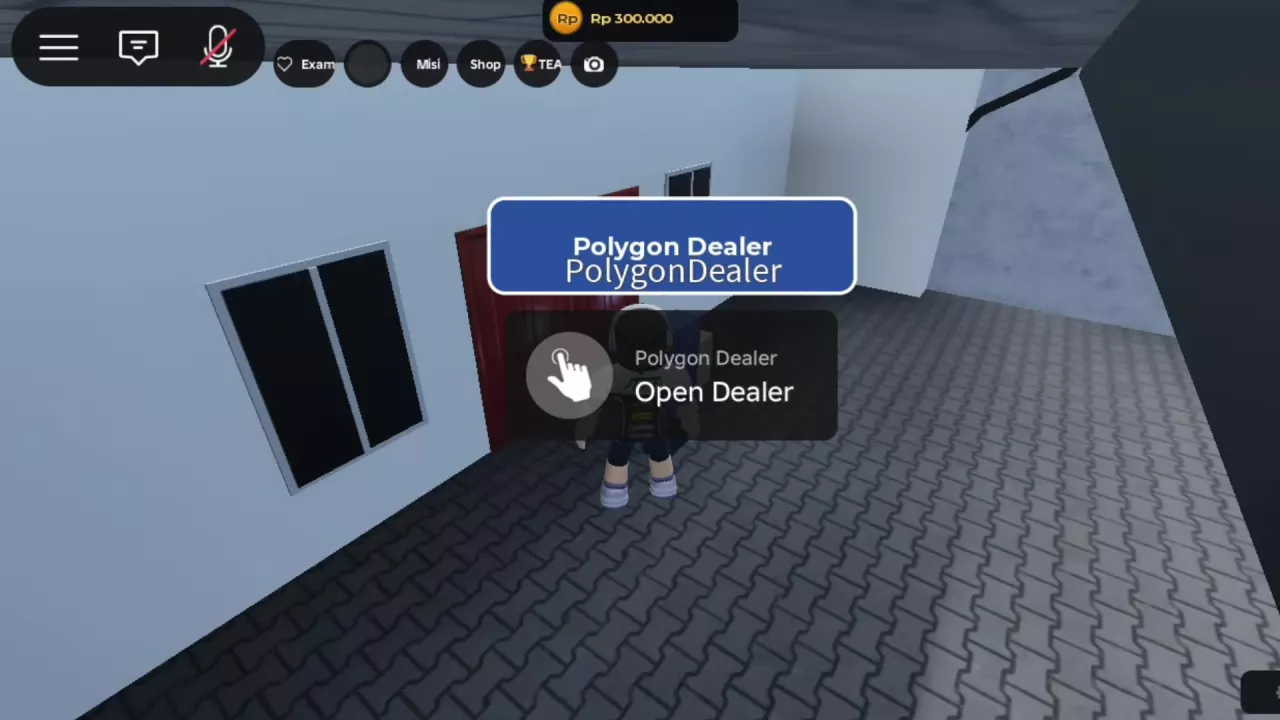
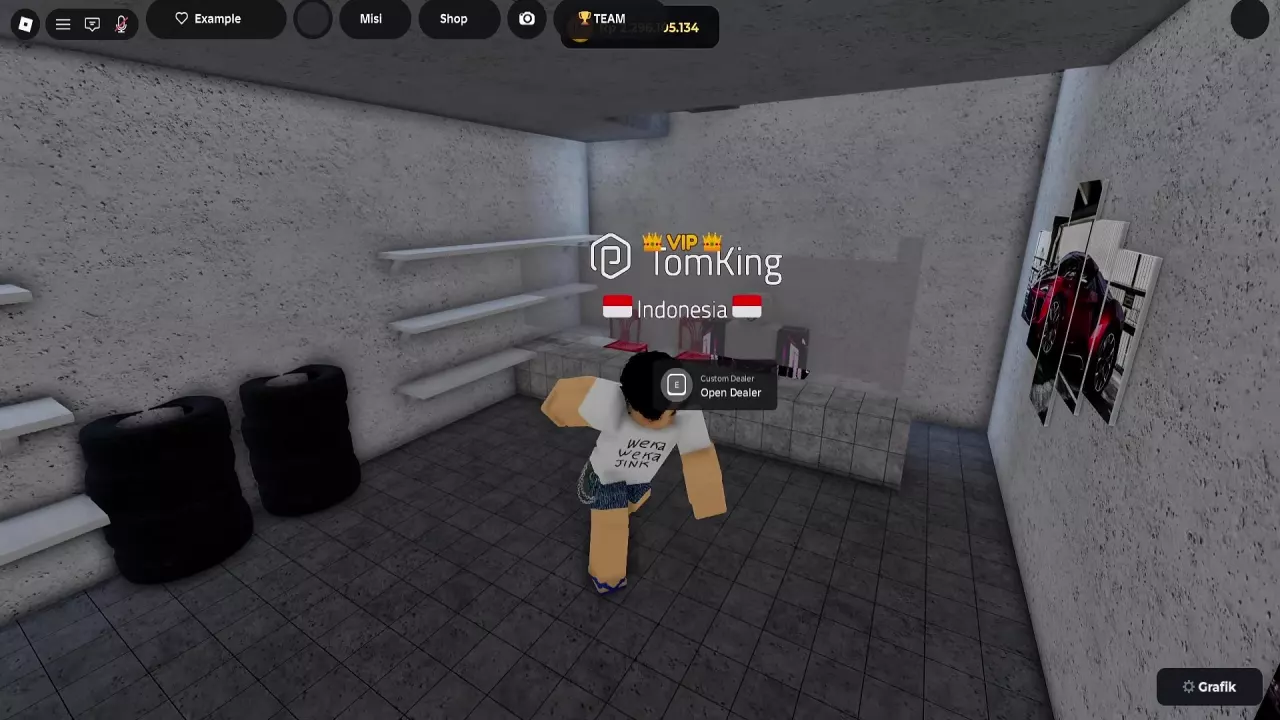
Polygon Dealer lists Polygon bikes, while Custom Dealer has STARTER and LIMITED entries. Approach the Open Dealer prompt and press E on PC. LOCKED means you do not own the bike yet; a paid purchase requires enough Rp, and an owned bike can be selected to spawn.
Polygon Dealer or Custom Dealer?
| Dealer | Interaction point | Menu categories | Bike entries |
|---|---|---|---|
| Polygon Dealer | Dealer entrance | ALL, SPORT, SPORT+; another menu configuration also includes LIMITED | POLYGON ROGUE, PolygonRogueAnomali, PolygonRogueMening, polygon rapture, Polygon Rapture custom |
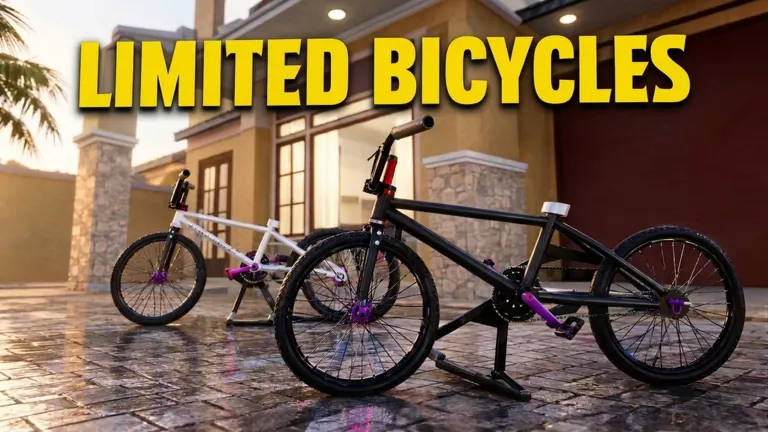
| Custom Dealer | Dealer counter | ALL, LIMITED, STARTER | strummer custom under STARTER; thrill and tabibitho under LIMITED |
Choose Polygon Dealer for the listed Polygon models, or Custom Dealer for its starter and limited entries. The bike catalog has the full model and price listings.
Open the Dealer and Select a Bike
- Approach the Polygon Dealer entrance or the Custom Dealer counter until Open Dealer appears.
- On PC, press E to open the menu.
- Choose a category and select the bike you want. To attempt a paid purchase, make sure your Rp balance covers the listed price.
- If you already own the bike, select it to spawn it.
LOCKED, Insufficient Funds and Vehicle Not Found
- LOCKED means you do not yet own that bike.
- Insufficient funds means the purchase attempt did not succeed. Save the difference between your balance and the listed price; see how to make money and save for a bike for earning options.
- Vehicle tidak ditemukan means “Vehicle not found.” It is a different message from insufficient funds.
Ride an Owned Bike
After spawning an owned bike, approach it and use Naik Sepeda to mount; on PC, press E at the prompt. To find or switch between bikes you own, use the garage guide.