How to Customize, Paint and Save a Bike in Onthel Purwodadi
Last updated:
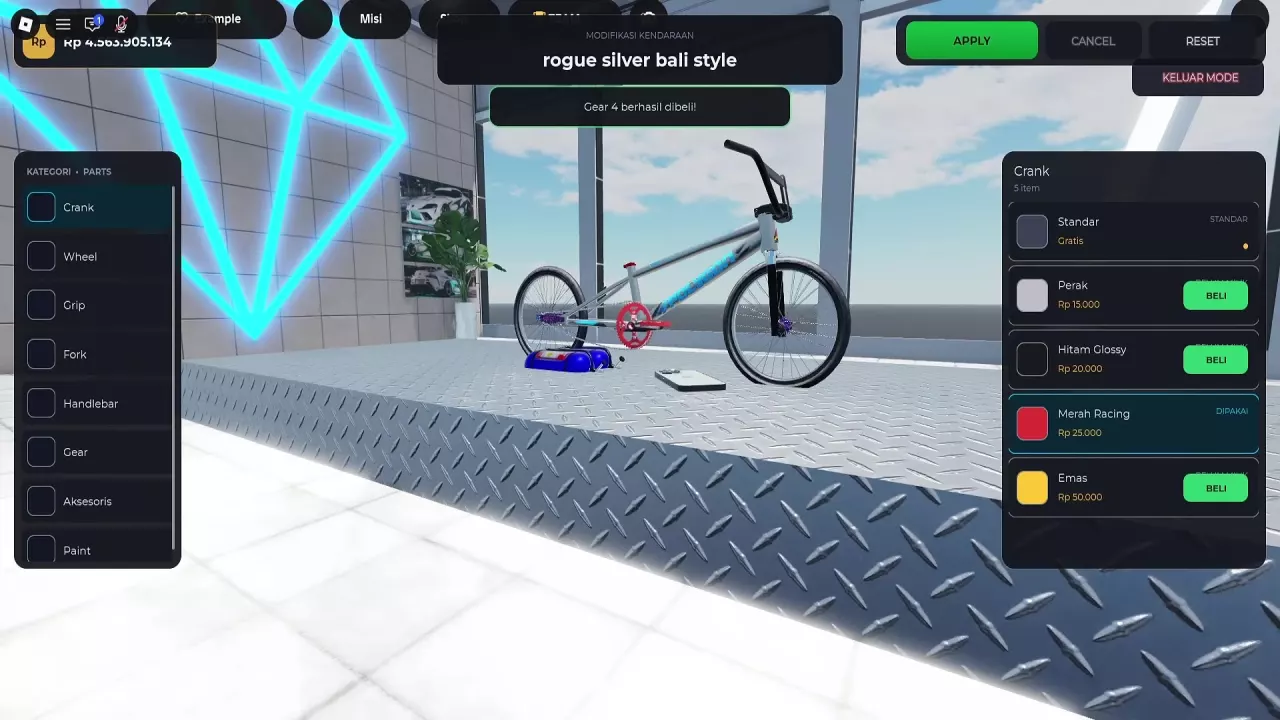
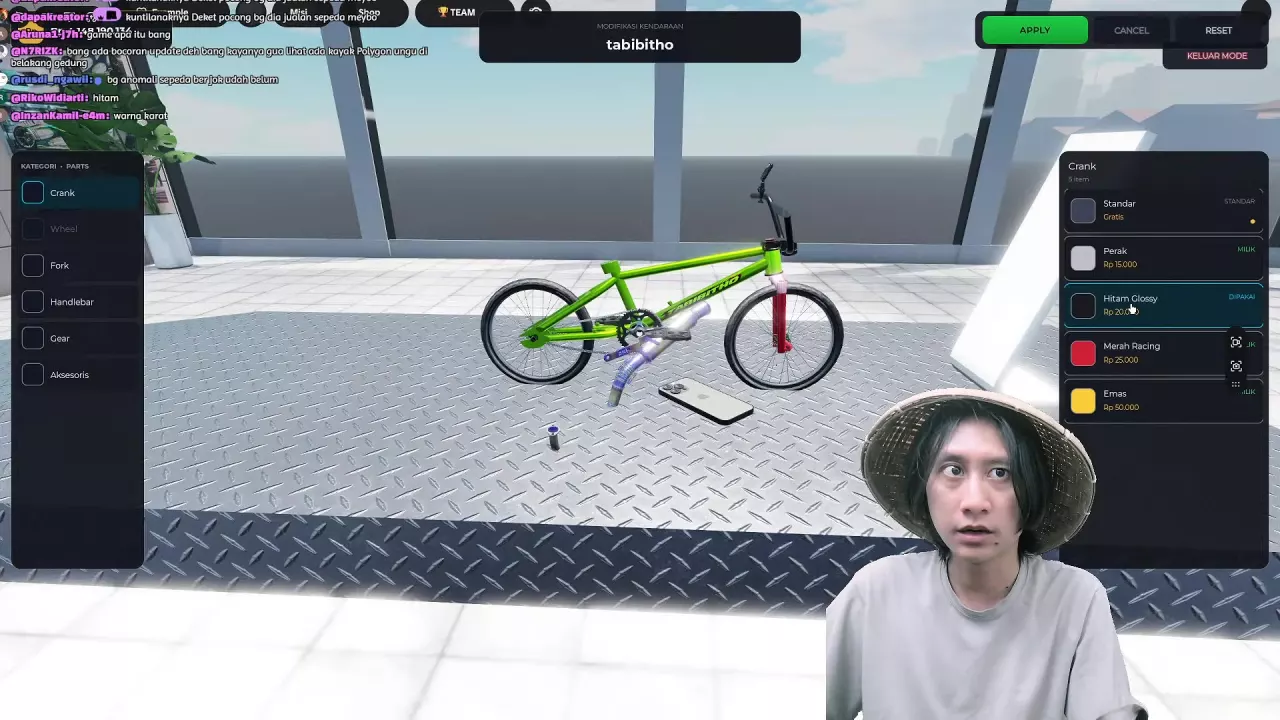
Change your bike’s paint, coordinate its components, and save your chosen look through Vehicle Modification or Bengkel Modif. For a specific build, pair a green tabibitho with a glossy-black crank and dark Carbon fork.
Quick answer
Open Vehicle Modification or Bengkel Modif, select your bike and a part category, buy any needed options with BELI, then select them and save with APPLY or TERAPKAN. For custom paint on rogue silver bali style, use the free Kustom Picker’s bottom hue bar and color area. Buying both the Hitam Glossy crank and Carbon fork for tabibitho costs 95,000 Rp, excluding the bike and other parts.
Open Vehicle Modification or Bengkel Modif
Use either modification entrance:
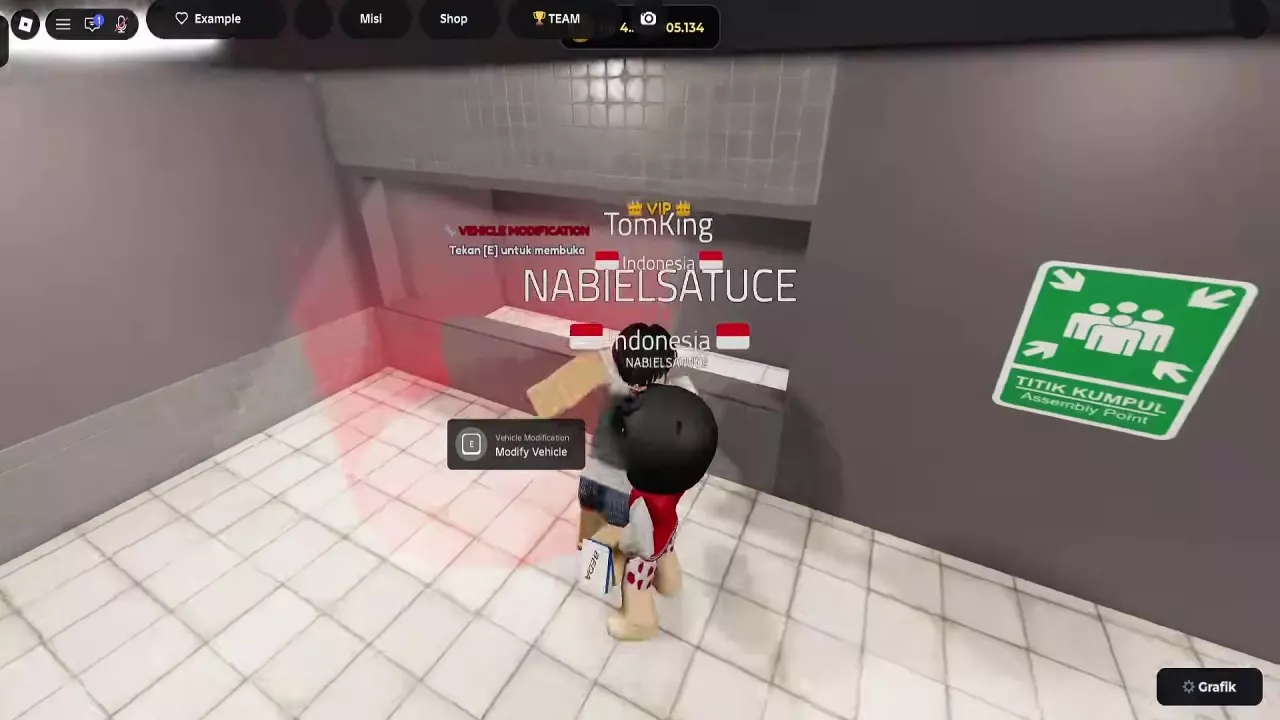
- POG GARAGE: Approach VEHICLE MODIFICATION and press E when the Modify Vehicle prompt appears.
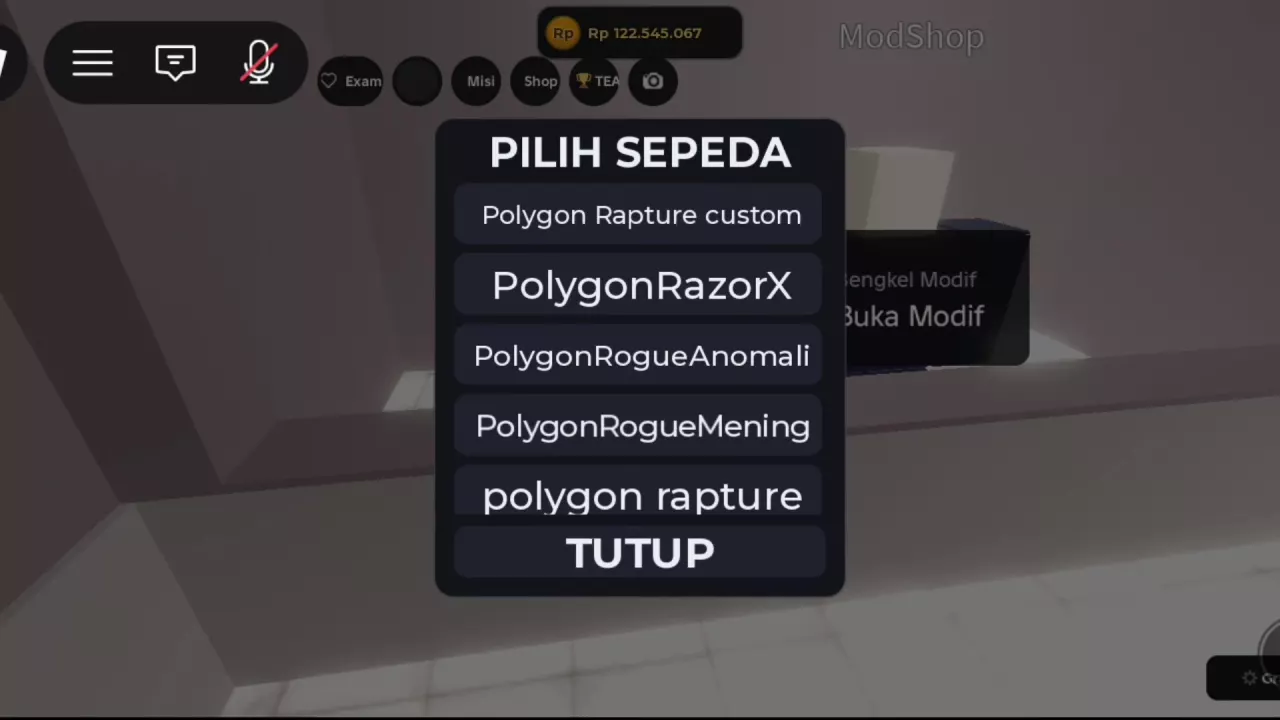
- ModShop: Approach the Bengkel Modif counter and use Buka Modif.
Choose your bike in PILIH KENDARAAN or PILIH SEPEDA, then open the category you want to change. Have enough Rp for any options you need to purchase.
For model names and their customization features, browse the bike listings.
Buy, Preview and Save Parts
- Open a part category. Choose the component you want to change, such as Crank, Fork or Handlebar.
- Buy an option if needed. Use BELI on an unowned paid option. If you already own the desired finish, select it directly.
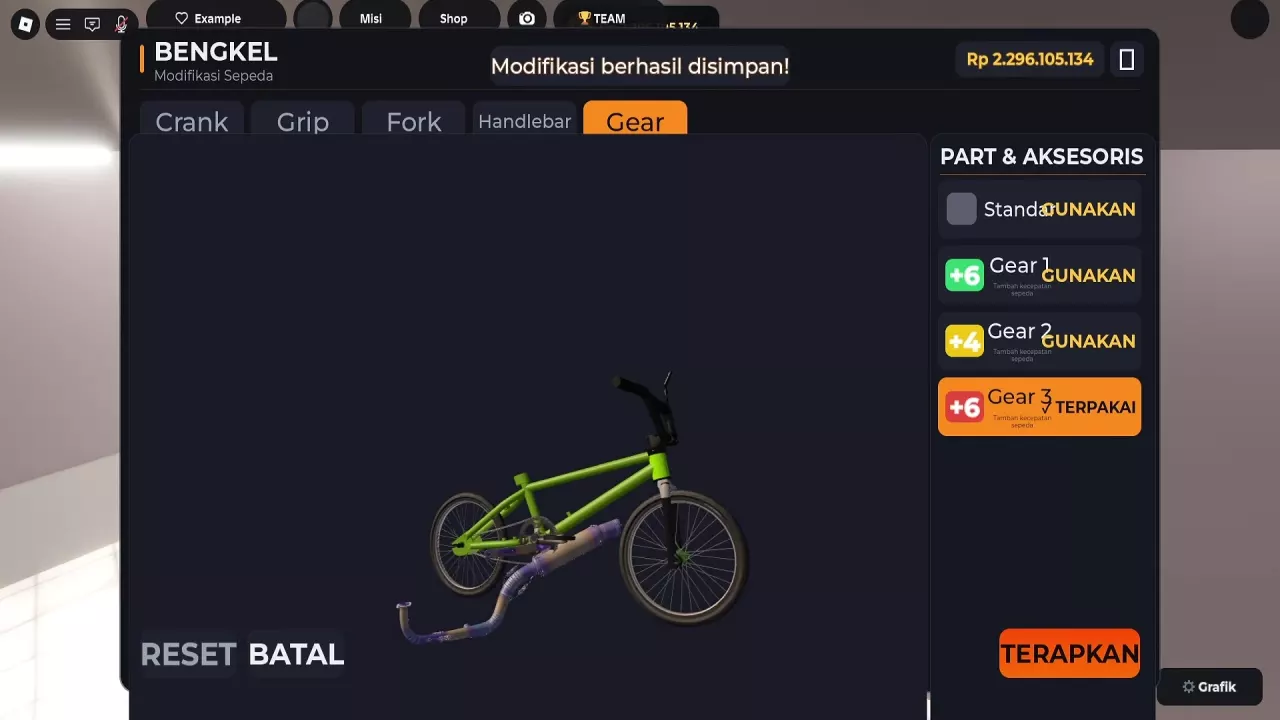
- Select the finish you want to use. An owned item is available to select; DIPAKAI or TERPAKAI marks the equipped selection. Buying an item and selecting it are separate actions.
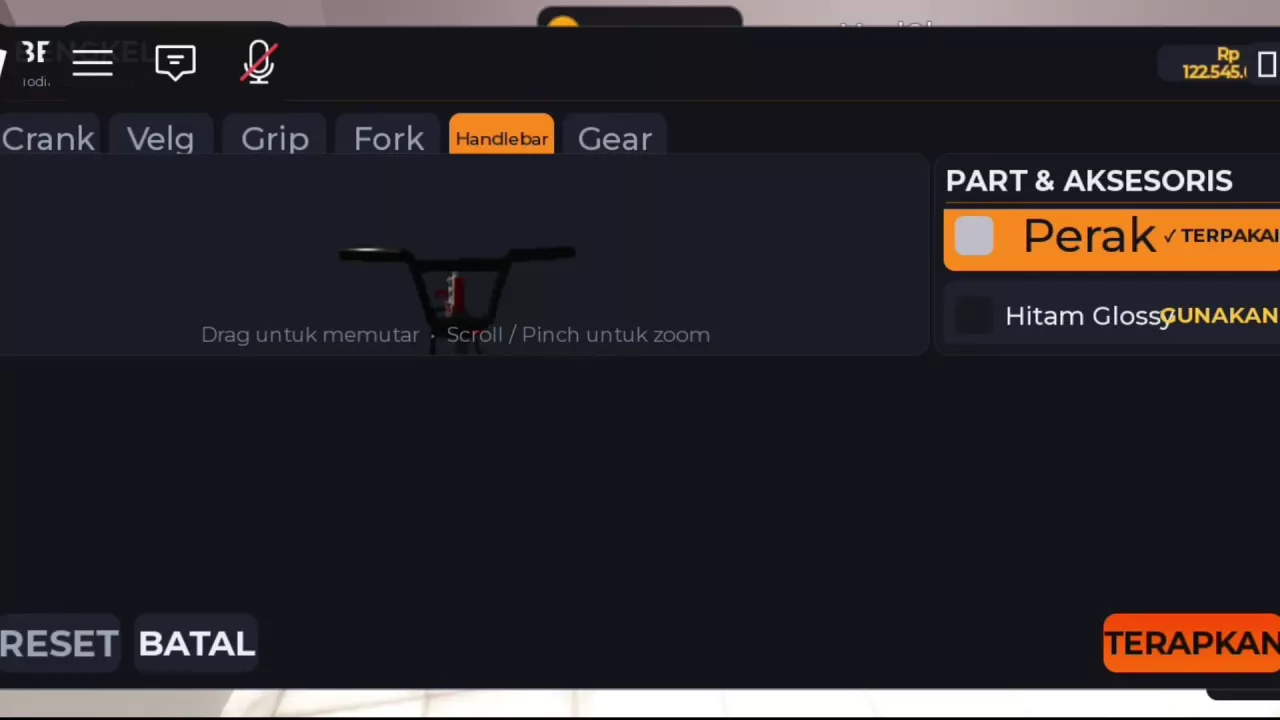
- Inspect the preview. In the ModShop preview, drag to rotate the bike, then use the mouse wheel or a two-finger pinch to zoom.
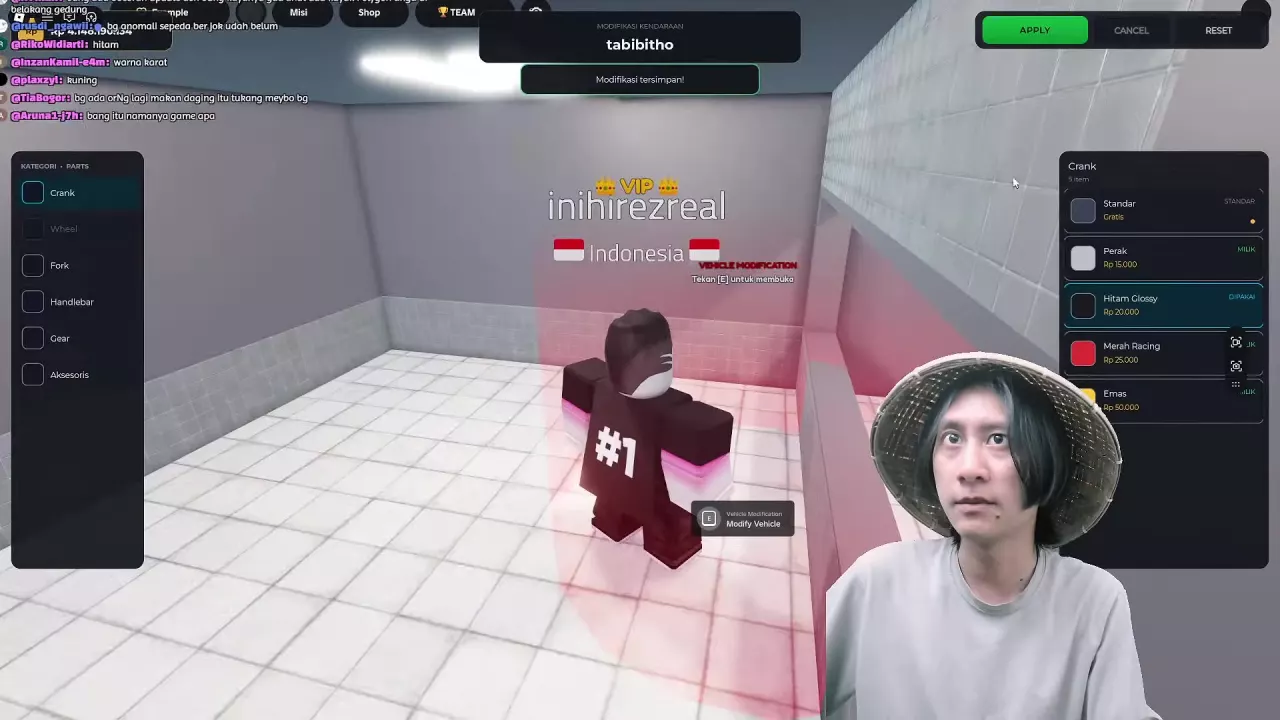
- Save the selection. Press APPLY or TERAPKAN. “Modifikasi tersimpan!” means the modifications have been saved.
Buy Kamera Action
With rogue silver bali style selected, open Aksesoris, find Kamera Action, and press BELI. It costs 75,000 Rp. A successful purchase changes it to the owned state; that purchase status alone does not mean it is equipped or that the build has been saved.
Change Paint with Presets or Kustom Picker
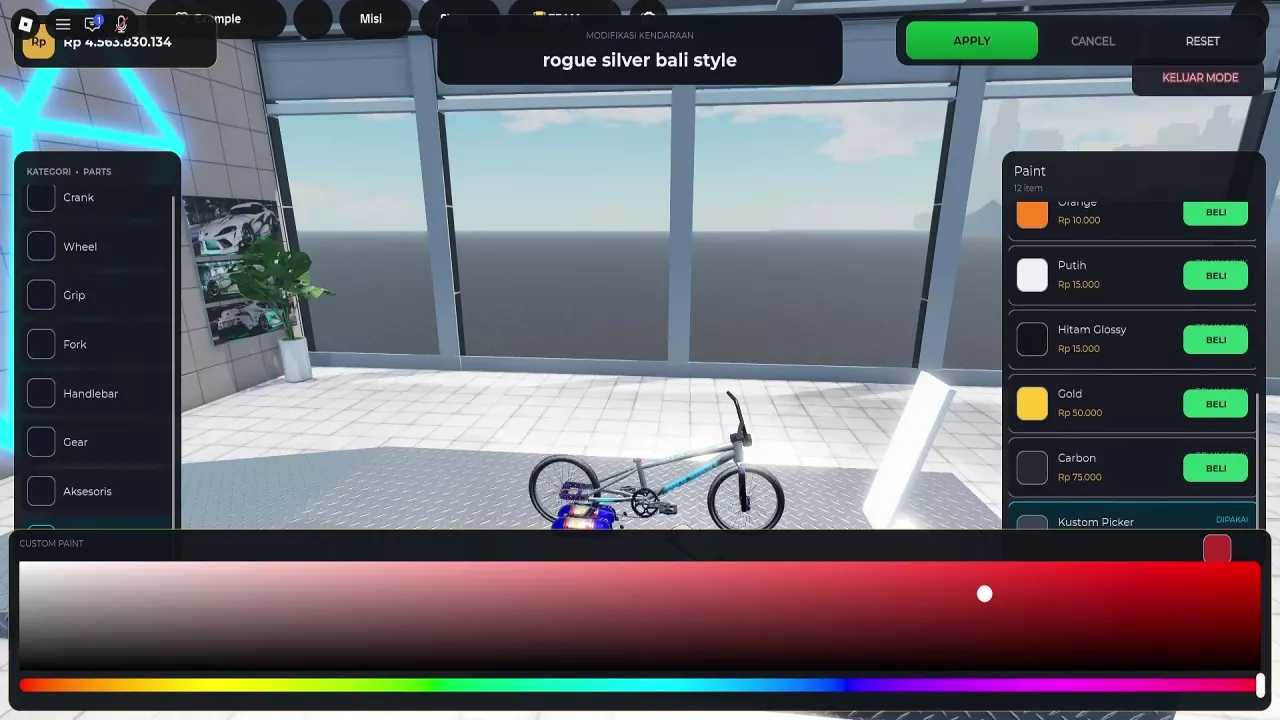
The rogue silver bali style Paint menu has 12 options, including a free original-color choice and the free Kustom Picker.
- Select Paint in the modification menu.
- Choose a preset finish, or open Kustom Picker for a custom color. Purchase a paid preset with BELI if you do not own it.
- In Kustom Picker, move the bottom rainbow hue bar to choose the base hue.
- Select a shade in the large color area above the bar.
- Inspect the color preview, then use APPLY to save your selection.
The color preview is an editing state; finish with the save action before leaving. Compare named finishes and their costs in the paint and parts price guide.
Cancel, Reset and Exit
The two modification layouts use different labels:
| Control | Vehicle Modification layout | ModShop layout |
|---|---|---|
| Save selected changes | APPLY | TERAPKAN |
| Cancel an edit | CANCEL | BATAL |
| Reset control | RESET | RESET |
To cancel your edit, choose CANCEL or BATAL. In the Vehicle Modification layout, KELUAR MODE exits modification mode.
Use the cancel button when your goal is to cancel an edit. Keep RESET separate from that action rather than treating it as a refund or a way to recover a previously saved build.
Build a Green tabibitho with Black Components
Keep tabibitho’s green frame and add a Hitam Glossy crank and Carbon fork. The glossy-black crank and dark fork give the bright frame a coordinated dark contrast.
- Select tabibitho in PILIH KENDARAAN.
- Open Crank and select Hitam Glossy. Buy it first if needed.
- Press APPLY and look for “Modifikasi tersimpan!”.
- Return to Vehicle Modification, select tabibitho again, and open Fork.
- Choose Carbon, buying it if needed, then press APPLY again.
Budget for the two components
| Component for tabibitho | Price if you need to buy it |
|---|---|
| Crank — Hitam Glossy | 20,000 Rp |
| Fork — Carbon | 75,000 Rp |
| Both components | 95,000 Rp |
The 95,000 Rp total covers buying both components. It excludes the bicycle and any other selections. Count only the options you still need to buy: if the crank is already owned for this build, the remaining fork purchase is 75,000 Rp; if the fork is already owned, the crank costs 20,000 Rp.
If you need more Rp, use the money and saving guide to plan the shortfall. For a speed-focused purchase, compare Gear upgrades separately from this styling budget.
Color Combinations to Try
Choose a combination around the frame color you want to emphasize:
- Blue frame, purple components and silver rims: Blue and purple create a colorful combination, while silver rims add a lighter accent.
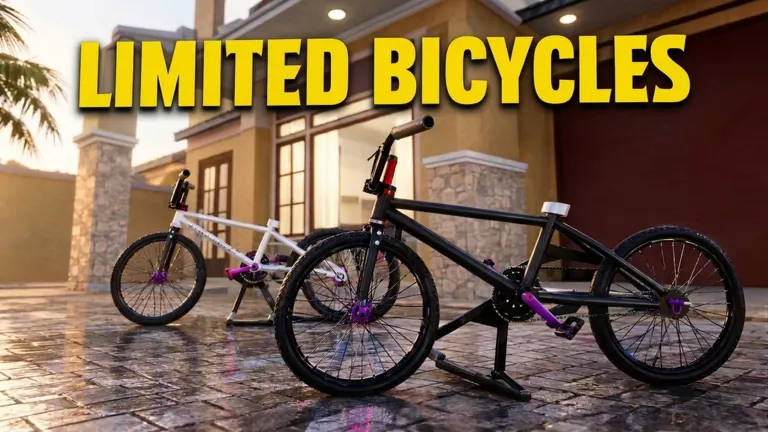
- Black-and-white frame with purple components: Use purple as the accent against a neutral frame.
- Silver frame with black handlebars and wheels: The rogue silver bali style look suits a simple metallic-and-black combination.
- Green tabibitho with a glossy-black crank and dark Carbon fork: Follow the tabibitho build steps for this specific pairing.
- Green frame, black handlebars and tires, and a purple tubular component: Use the purple detail as a contrasting accent alongside the green and black.
For the blue, black-and-white, and green-with-purple looks, coordinate the visible colors with the options available on your selected bike.